
Web Scraping + AI: Turning Raw HTML into Structured Data with Python
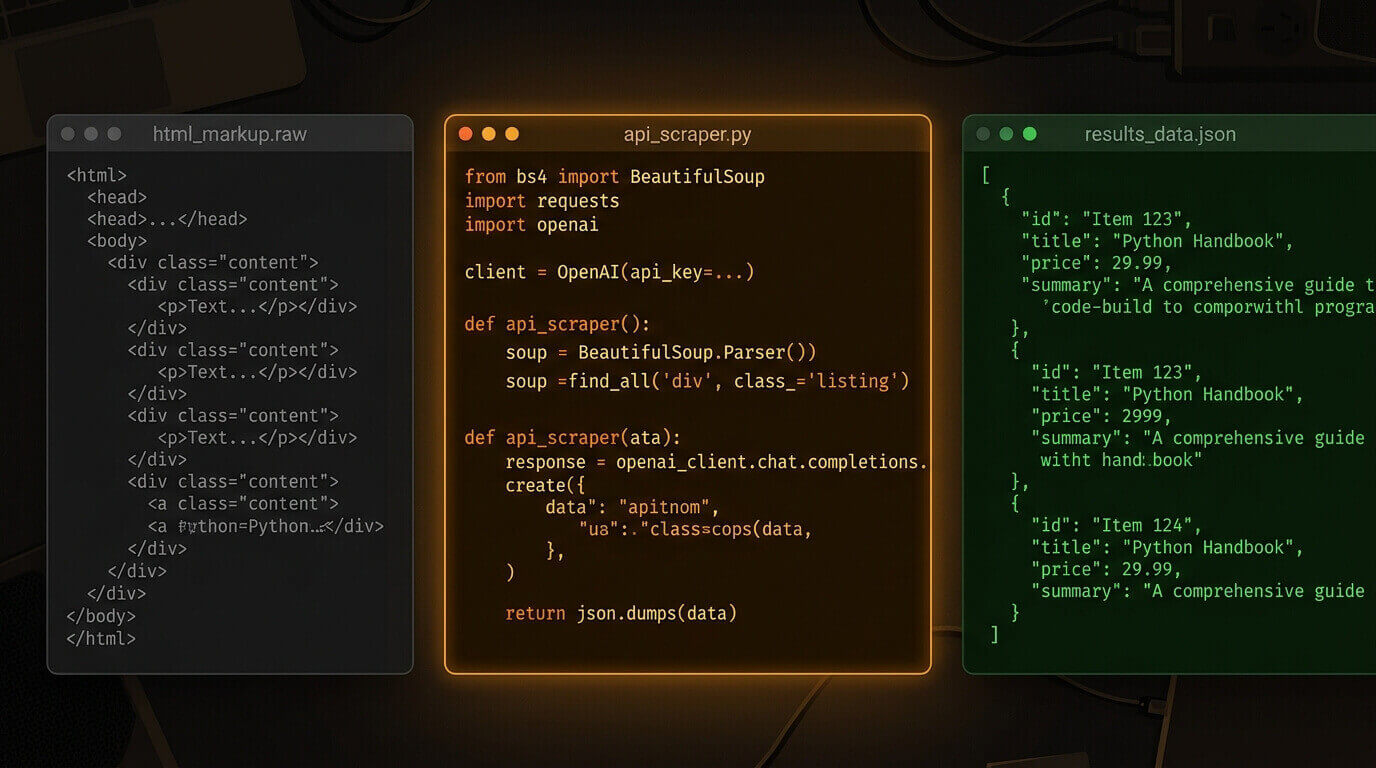
The HTML you get back from most websites is not what you want. It's what the browser needs — event listeners, tracking scripts, cookie banners, seventeen nested <div> containers, and somewhere buried in all that, the three fields you actually care about.
You'll need Python 3.10+, an OpenAI API key, and three packages: requests, beautifulsoup4, and openai.
pip install requests beautifulsoup4 openai
The Selector Trap
Here's how this usually goes. You open DevTools, right-click the product price, and copy the CSS selector. You write:
price = soup.select_one('.product-price__current-value').text.strip()
It works. You ship it. Three weeks later the site does a frontend refresh — new CSS classes, slightly different DOM structure — and your scraper returns None on every page.
This is the selector trap. CSS selectors are brittle by design. They're tied to implementation details that frontend developers change without thinking about downstream consumers. You end up playing whack-a-mole: fix one selector, another breaks on a different page variant.
The alternative isn't regex — that's worse. It's giving a model the raw text and letting it figure out where the data is.
Fetching and Cleaning the HTML
Raw HTML is too noisy to send to a model. A typical product page runs 50k–200k characters of content that adds zero signal — style tags, JavaScript, cookie consent scripts, analytics trackers.
Strip them first:
import requests
from bs4 import BeautifulSoup

def fetch_clean_text(url: str) -> str:
    headers = {"User-Agent": "Mozilla/5.0 (compatible; research-bot/1.0)"}
    response = requests.get(url, headers=headers, timeout=10)
    response.raise_for_status()

    soup = BeautifulSoup(response.text, "html.parser")

    for tag in soup(["script", "style", "nav", "footer", "header", "aside"]):
        tag.decompose()

    return soup.get_text(separator="\n", strip=True)
I've watched people send full HTML to a model and wonder why the output is garbage. The issue isn't the model — it's that gpt-4o is spending tokens on document.addEventListener('DOMContentLoaded', function() { instead of the product description.
Strip aggressively. Remove scripts, styles, nav, footer, header, sidebar. What's left is almost always enough.
Asking the Model for Structure
Once you have clean text, the extraction prompt is the easy part:
from openai import OpenAI
import json

client = OpenAI()  # reads OPENAI_API_KEY from environment

SYSTEM_PROMPT = """You are a structured data extractor.
Given raw text scraped from a product page, extract the fields below.
Return ONLY valid JSON. If a field is not present, use null.

Fields:
- name: string
- price: string (include currency symbol)
- rating: number or null
- review_count: integer or null
- availability: string
- description: string (first 2 sentences only)
"""

def extract_product_data(text: str) -> dict:
    response = client.chat.completions.create(
        model="gpt-4o",  # or gpt-4o-mini for cost-sensitive high-volume pipelines
        messages=[
            {"role": "system", "content": SYSTEM_PROMPT},
            {"role": "user", "content": f"Extract structured data from this page:\n\n{text[:8000]}"},
        ],
        response_format={"type": "json_object"},
        temperature=0,
    )

    return json.loads(response.choices[0].message.content)
Two settings matter here. temperature=0 gives you deterministic extraction — the model doesn't get creative with interpretation. response_format={"type": "json_object"} enforces that the response is parseable JSON; the model can't drift into explanation or prose.
The text[:8000] slice is intentional. For most product pages, the first 8,000 characters after stripping covers everything you need. Capping it here keeps token costs predictable across a batch.
Putting the Pipeline Together
def scrape_product(url: str) -> dict:
    try:
        text = fetch_clean_text(url)
        data = extract_product_data(text)
        return {"url": url, "status": "ok", "data": data}
    except requests.HTTPError as e:
        return {"url": url, "status": "http_error", "error": str(e), "data": None}
    except json.JSONDecodeError as e:
        return {"url": url, "status": "parse_error", "error": str(e), "data": None}
    except Exception as e:
        return {"url": url, "status": "error", "error": str(e), "data": None}


if __name__ == "__main__":
    urls = [
        "https://books.toscrape.com/catalogue/a-light-in-the-attic_1000/index.html",
        "https://books.toscrape.com/catalogue/tipping-the-velvet_999/index.html",
    ]

    results = [scrape_product(url) for url in urls]
    print(json.dumps(results, indent=2))
books.toscrape.com is a practice scraping site that exists specifically for testing scrapers. Its structure changes occasionally, which makes it a useful real-world proxy — it's close enough to actual e-commerce markup that the pipeline generalizes.
Saving the Results
For anything beyond a quick test, write to a file. A flat JSON file works for small batches. For ongoing pipelines, write to SQLite or Postgres.
import csv
from pathlib import Path

def save_to_csv(results: list[dict], output_path: str) -> None:
    rows = []
    for result in results:
        if result["status"] == "ok" and result["data"]:
            row = {"url": result["url"], **result["data"]}
            rows.append(row)

    if not rows:
        print("No successful results to save.")
        return

    fieldnames = ["url", "name", "price", "rating", "review_count", "availability", "description"]
    output = Path(output_path)

    with output.open("w", newline="", encoding="utf-8") as f:
        writer = csv.DictWriter(f, fieldnames=fieldnames, extrasaction="ignore")
        writer.writeheader()
        writer.writerows(rows)

    print(f"Saved {len(rows)} rows to {output_path}")
Failed results — HTTP errors, parse errors, sites that blocked the request — go into a separate log. Don't discard them silently. You'll want to know which URLs failed and why when you're debugging a batch of 200.
Scaling Up: Batching and Rate Limits
For more than a handful of URLs, two rate limits hit simultaneously: the target site caps requests per second, and the OpenAI API limits tokens per minute. Handle both:
import asyncio
from openai import AsyncOpenAI

async_client = AsyncOpenAI()

async def extract_product_data_async(text: str) -> dict:
    response = await async_client.chat.completions.create(
        model="gpt-4o",  # or gpt-4o-mini — test on your actual pages first
        messages=[
            {"role": "system", "content": SYSTEM_PROMPT},
            {"role": "user", "content": f"Extract structured data:\n\n{text[:8000]}"},
        ],
        response_format={"type": "json_object"},
        temperature=0,
    )
    return json.loads(response.choices[0].message.content)

async def scrape_batch(urls: list[str], delay: float = 1.5) -> list[dict]:
    results = []
    for url in urls:
        try:
            text = fetch_clean_text(url)
            data = await extract_product_data_async(text)
            results.append({"url": url, "status": "ok", "data": data})
        except Exception as e:
            results.append({"url": url, "status": "error", "error": str(e), "data": None})
        await asyncio.sleep(delay)
    return results
delay=1.5 is a reasonable starting point for most sites. Some are stricter. Check robots.txt before scraping anything beyond testing, and stay well inside the limits it specifies. Treating the delay as optional is how you end up IP-blocked an hour into a run.
When Does This Break?
A few failure modes worth knowing before you ship anything:
Anti-scraping infrastructure. Cloudflare and similar services block requests outright — you get a 403 or a JavaScript challenge page, not HTML. Playwright with a headless browser can get past basic bot detection. The AI extraction layer doesn't help with this problem. You still need the HTML first.
Dynamic content. If the data you need is rendered client-side via JavaScript, requests won't see it. You'll get an empty shell. For those cases, swap requests for playwright to get the rendered DOM, then run the same clean-and-extract pipeline on the output.
Hallucinated fields. The model will occasionally invent data rather than returning null when a field is absent. Prices and ratings are the most common offenders. Add validation: if price doesn't match a currency format, flag the result for review instead of writing it to your database.
Token costs at scale. This one isn't a failure mode — it's a decision. At 200 pages per day, gpt-4o costs a few dollars. At 20,000 pages, it's a line item. Know the math before you build the pipeline.
The Cost Question
Honest numbers: gpt-4o at current pricing runs roughly $0.003–0.006 per page extraction at around 2,000 tokens input plus output. That's fine for dozens of pages per day, fine for hundreds if the data is valuable, and worth questioning at tens of thousands.
gpt-4o-mini handles most extraction tasks at a fraction of the cost. I've found it works well on consistently formatted pages — standard e-commerce product layouts, news article structures — and struggles more on messy, irregular content. Run both on a sample of your actual target pages before committing. Don't assume one is better without testing it on your specific data.
I'm not convinced there's a clean rule here. The "right" model depends entirely on the quality requirements of the downstream data and what your page volume looks like. That's a call you have to make with real data.
Wrapping Up
The pattern — fetch, strip, extract — is worth internalizing. The scraping part is boilerplate. The AI layer is what makes the pipeline robust: it's reading meaning, not chasing selectors.
When the site redesigns? Usually nothing breaks. The model reads "£19.99" whether it's in a .price-box div or a <span> wrapped six levels deep in a component tree.
Start with gpt-4o-mini on a sample of real pages from your actual target site. Check the output quality against gpt-4o. Build the batch pipeline once you know the extraction is reliable — not before.
Share