
Building an AI-Powered Document Summarizer with Python and Claude API
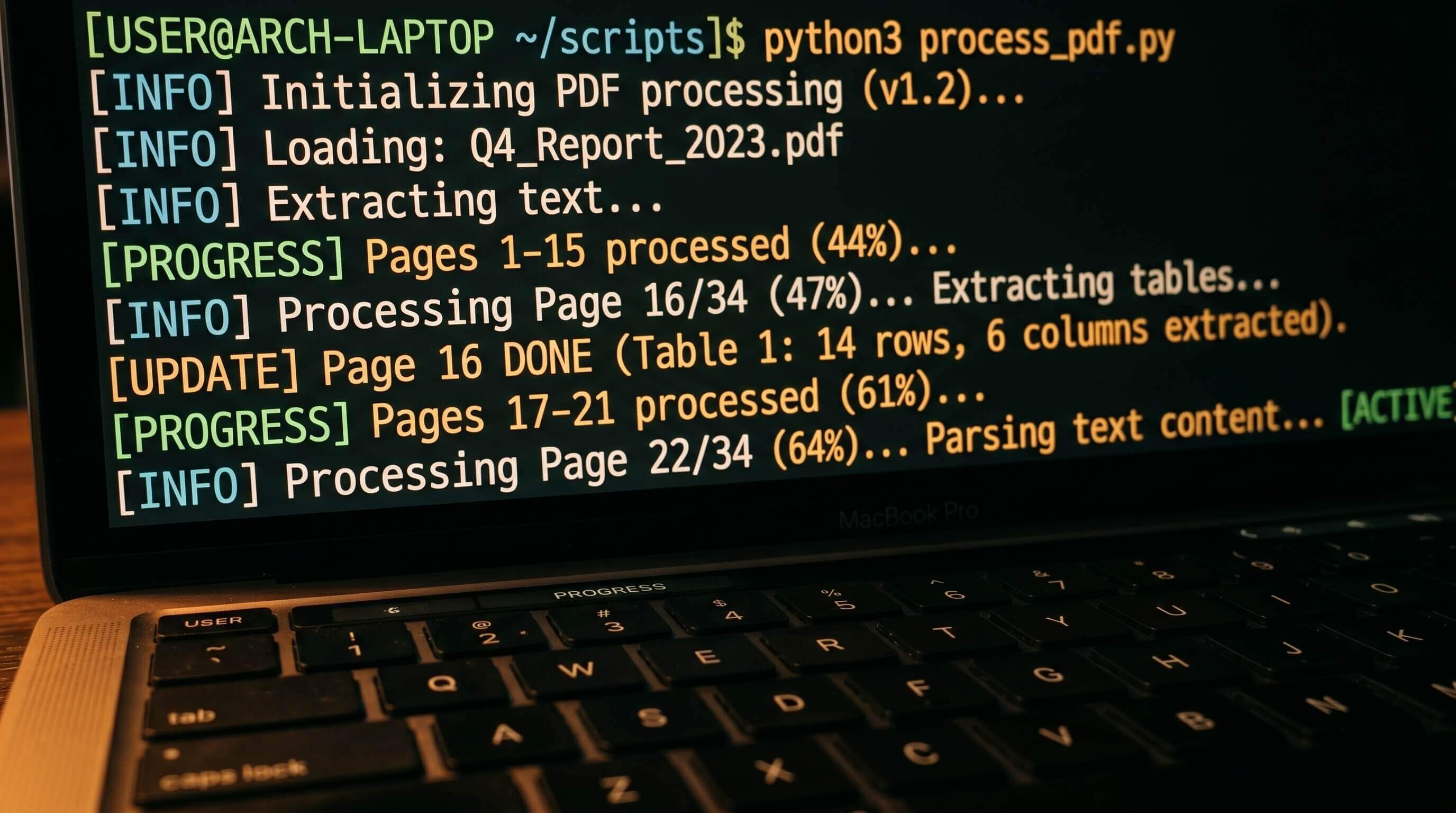
I have about twelve PDF tabs open right now that I haven't read. A vendor comparison, two research papers, a spec doc from last week. At some point I'll get to them. Probably.
Rather than actually reading them, I built a summarizer. This tutorial walks through the same thing: a Python script that takes any .txt or .pdf file from the command line and returns a clean summary using the Claude API. You'll need Python 3.10+, an Anthropic API key, and basic Python familiarity. No prior LLM experience required.
pip install anthropic pypdf
The Core Is Four Lines
Before the full script, here's what's actually happening:
import anthropic

def summarize(text: str, client: anthropic.Anthropic) -> str:
    message = client.messages.create(
        model="claude-sonnet-4-6",  # or claude-opus-4-8 if you need higher quality on complex docs
        max_tokens=1024,
        messages=[{
            "role": "user",
            "content": (
                "Summarize the following document. Return "
                "a one-paragraph overview followed by 5–7 key points:\n\n"
                + text
            )
        }]
    )
    return message.content[0].text

if __name__ == "__main__":
    client = anthropic.Anthropic()  # reads ANTHROPIC_API_KEY from env
    print(summarize("Paste your document text here.", client))
Set ANTHROPIC_API_KEY in your shell and run it. That's it. Everything below handles the two cases where this isn't enough: PDFs (which need text extraction) and long documents (which need chunking).
Getting Text Out of a PDF
PDFs aren't plain text — they're a rendering format, and the text layer is embedded separately from the visual layout. pypdf pulls that text layer out:
import pathlib
import pypdf

def extract_text(file_path: str) -> str:
    path = pathlib.Path(file_path)

    if path.suffix.lower() == ".pdf":
        reader = pypdf.PdfReader(file_path)
        return "\n\n".join(page.extract_text() or "" for page in reader.pages)

    return path.read_text(encoding="utf-8")
Works for most modern PDFs.
The exception — and it comes up more than you'd expect — is scanned documents. If someone handed you a PDF that's actually a photograph of a printed page, there's no text layer. extract_text() returns an empty string or, occasionally, a few characters of garbled encoding metadata. You'd need OCR tooling like pytesseract to recover it, but that's a separate project. For this tutorial, assume your PDFs were born digital.
Long Documents Need a Different Approach
Claude Sonnet's context window is 200k tokens, which is roughly 150,000 words. Most documents fit. But fitting isn't the same as working well, and I've learned this the hard way with dense reports.
Sending a 300-page document in a single API call means paying for every input token whether the model spends meaningful attention on them or not. More practically: the summaries get blurry. I ran a 200-page financial report through a single-call summarizer once, and the output read like something that had skimmed the table of contents and given up. Each chapter had real depth that got completely lost.
The fix is hierarchical summarization — split the document into chunks, summarize each chunk independently, then synthesize those summaries into a final output. Standard approach for long-document processing since before LLMs existed. LLMs just make the implementation cleaner.
def chunk_text(text: str, chunk_size: int = 8000) -> list[str]:
    words = text.split()
    chunks: list[str] = []
    current: list[str] = []
    size = 0

    for word in words:
        current.append(word)
        size += len(word) + 1
        if size >= chunk_size:
            chunks.append(" ".join(current))
            current, size = [], 0

    if current:
        chunks.append(" ".join(current))

    return chunks


def summarize_chunks(chunks: list[str], client: anthropic.Anthropic) -> str:
    summaries: list[str] = []

    for i, chunk in enumerate(chunks, 1):
        print(f"  Chunk {i}/{len(chunks)}...")
        result = client.messages.create(
            model="claude-sonnet-4-6",
            max_tokens=512,
            messages=[{
                "role": "user",
                "content": (
                    "Summarize the key information from this section "
                    "in 3–5 sentences:\n\n" + chunk
                )
            }]
        )
        summaries.append(result.content[0].text)

    combined = "\n\n".join(summaries)

    final = client.messages.create(
        model="claude-sonnet-4-6",
        max_tokens=1024,
        messages=[{
            "role": "user",
            "content": (
                "Based on these section summaries, write a one-paragraph overview "
                "of the full document followed by 5–7 key points:\n\n" + combined
            )
        }]
    )
    return final.content[0].text
8,000 characters per chunk is a reasonable starting point — around 1,200 words. Go below 2,000 and the model starts losing narrative context across paragraph boundaries. Go above 20,000 and you're basically back to sending Claude a medium-length document, which defeats the point of chunking.
Putting It Together
The full script auto-detects whether chunking is needed based on extracted length:
import sys
import pathlib
import anthropic
import pypdf


def extract_text(file_path: str) -> str:
    path = pathlib.Path(file_path)
    if path.suffix.lower() == ".pdf":
        reader = pypdf.PdfReader(file_path)
        return "\n\n".join(page.extract_text() or "" for page in reader.pages)
    return path.read_text(encoding="utf-8")


def chunk_text(text: str, chunk_size: int = 8000) -> list[str]:
    words = text.split()
    chunks: list[str] = []
    current: list[str] = []
    size = 0
    for word in words:
        current.append(word)
        size += len(word) + 1
        if size >= chunk_size:
            chunks.append(" ".join(current))
            current, size = [], 0
    if current:
        chunks.append(" ".join(current))
    return chunks


def summarize_text(text: str, client: anthropic.Anthropic) -> str:
    return client.messages.create(
        model="claude-sonnet-4-6",
        max_tokens=1024,
        messages=[{
            "role": "user",
            "content": (
                "Summarize this document. Return a one-paragraph overview "
                "followed by 5–7 key points:\n\n" + text
            )
        }]
    ).content[0].text


def summarize_chunks(chunks: list[str], client: anthropic.Anthropic) -> str:
    summaries: list[str] = []
    for i, chunk in enumerate(chunks, 1):
        print(f"  Chunk {i}/{len(chunks)}...")
        summaries.append(
            client.messages.create(
                model="claude-sonnet-4-6",
                max_tokens=512,
                messages=[{
                    "role": "user",
                    "content": (
                        "Summarize the key information from this section "
                        "in 3–5 sentences:\n\n" + chunk
                    )
                }]
            ).content[0].text
        )
    combined = "\n\n".join(summaries)
    return client.messages.create(
        model="claude-sonnet-4-6",
        max_tokens=1024,
        messages=[{
            "role": "user",
            "content": (
                "Based on these section summaries, write a one-paragraph overview "
                "and 5–7 key points:\n\n" + combined
            )
        }]
    ).content[0].text


def summarize_document(file_path: str) -> str:
    client = anthropic.Anthropic()
    text = extract_text(file_path)

    if not text.strip():
        raise ValueError(
            f"No text extracted from {file_path}. This may be a scanned PDF."
        )

    print(f"Extracted {len(text):,} characters.")
    chunks = chunk_text(text)

    if len(chunks) == 1:
        return summarize_text(text, client)

    print(f"Split into {len(chunks)} chunks.")
    return summarize_chunks(chunks, client)


if __name__ == "__main__":
    if len(sys.argv) < 2:
        print("Usage: python summarizer.py <file.pdf or file.txt>")
        sys.exit(1)

    result = summarize_document(sys.argv[1])
    print("\n" + "=" * 60)
    print(result)
Run it:
python summarizer.py annual_report.pdf
A 50-page PDF typically takes 60–90 seconds and generates 8–12 API calls. The progress lines show where you are.
Where It Falls Apart
Tables. That's the biggest one.
Claude reads tables as flowing prose, which means it picks up on numbers but misses relational structure — what's connected to what, which row maps to which column. I ran a few annual reports through this expecting clean financial summaries. What I got was technically accurate and completely useless for anything involving year-over-year comparisons or segment breakdowns. If the document is primarily structured data, extract it with pdfplumber first and pass Claude a text representation of the table rather than raw PDF text. It's extra work, and a bit clunky to set up, but the summary quality is meaningfully better.
Scanned PDFs are a separate category of broken. If the document is a photograph rendered as a PDF — older legal contracts, anything printed and rescanned — extract_text() returns empty or garbage. The ValueError in the script catches it, but recovering the text requires OCR tooling like pytesseract. That's a whole separate setup project; I'd keep it out of this script entirely and handle it upstream.
Very long documents degrade at the synthesis step. I ran this against a 600-page legal contract once — the chunk-level summaries were solid, but the final synthesis was noticeably thin, like a summary of summaries that had forgotten the original. For anything over roughly 100 pages, add a middle layer: chunk summaries get synthesized into section summaries, and section summaries get synthesized into the final output. One extra round of API calls per 10 chunks. Worth it past a certain document length.
How many layers do you need? Honestly, I don't have a clean formula for it. Document density matters more than page count — a 120-page contract with dense legalese will degrade faster than a 200-page narrative report. Start at two layers and watch the output quality. Add a third when it visibly drops.
Wrapping Up
For the common case — any modern PDF or text file under a few hundred pages — the script above works. The chunking is the part worth tuning to your specific documents: tighter chunks for dense technical content, looser ones for narrative or loosely structured material.
Prompt caching is the next thing to add if you're running this more than once per file. The Anthropic API supports caching at the message level, which cuts input token costs sharply on repeated calls. For a pipeline that retries or reprocesses the same documents, add caching before you do anything else.
Share