
Build a YouTube Video Summarizer with Python and Whisper API
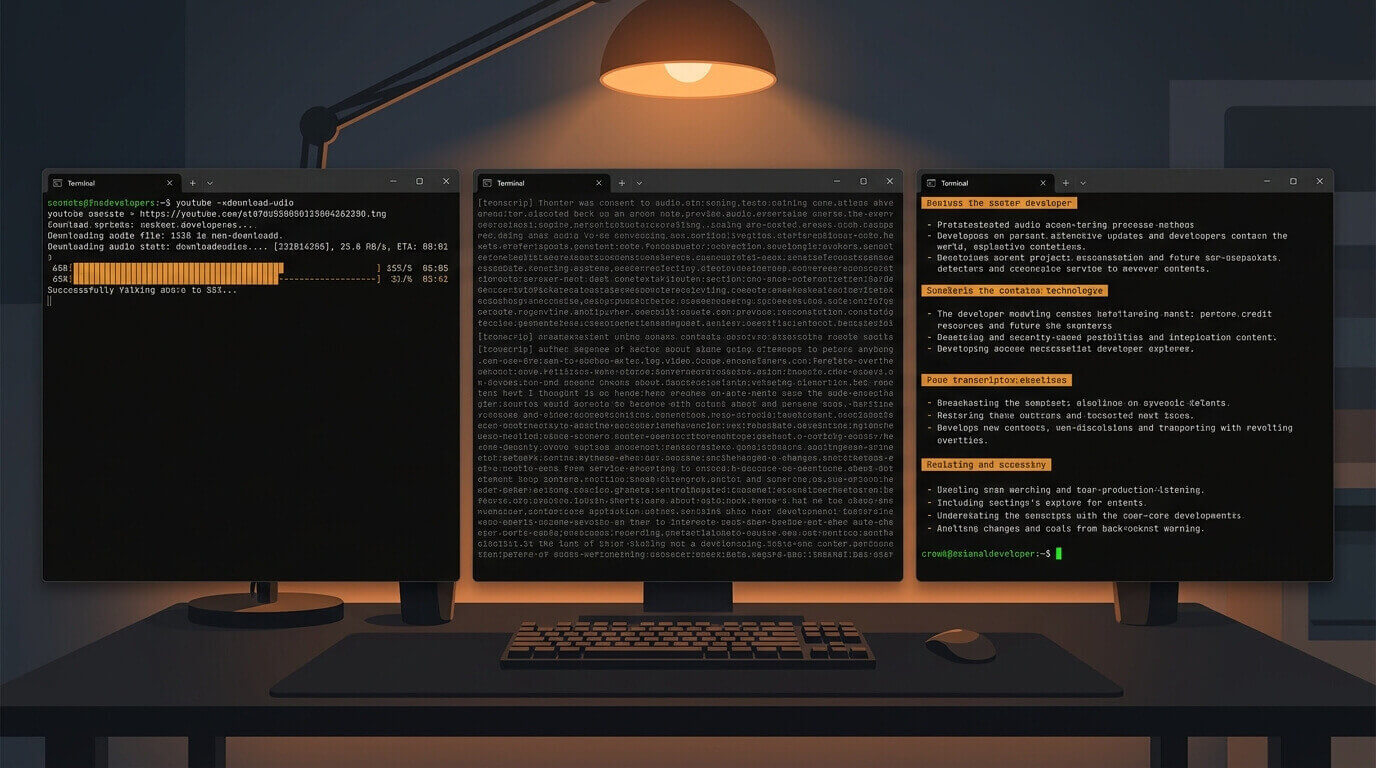
Three hours of conference talk. You have 20 minutes.
The usual move is 2x speed, aggressive skipping, and hoping the important bits weren't in the sections you blew past. There's a better option: a script that downloads the audio, transcribes it, and hands it to Claude with a prompt that extracts exactly what you care about.
This tutorial builds that. You'll need Python 3.10+, an OpenAI API key for Whisper transcription, and an Anthropic API key for the summarization step. The whole thing ships as a single CLI script.
pip install yt-dlp openai anthropic
You also need ffmpeg installed at the system level—brew install ffmpeg on macOS, apt install ffmpeg on Ubuntu. The error message when it's missing is cryptic enough that it's worth calling out upfront.
Download the Audio
yt-dlp is the only reliable YouTube downloader that's kept pace with YouTube's extraction changes. You want audio-only—no point pulling 1080p video if Whisper is just going to ignore the visual track.
import subprocess
import json
import math
import argparse
import tempfile
from pathlib import Path

import anthropic
from openai import OpenAI


def download_audio(url: str, output_dir: Path) -> Path:
    audio_path = output_dir / "audio.mp3"
    subprocess.run(
        [
            "yt-dlp",
            "--extract-audio",
            "--audio-format", "mp3",
            "--audio-quality", "0",
            "--output", str(audio_path),
            url,
        ],
        check=True,
        capture_output=True,
    )
    return audio_path
--audio-quality 0 means highest quality. Counterintuitively, 0 is best and 9 is worst for variable bitrate encoding. I spent 10 minutes confused about this the first time I used it.
Transcribe with Whisper
OpenAI's Whisper API accepts audio files up to 25 MB, which covers roughly 60–90 minutes of compressed MP3, depending on bitrate. The basic call is straightforward:
def transcribe_audio(audio_path: Path) -> str:
    client = OpenAI()  # reads OPENAI_API_KEY from env

    with open(audio_path, "rb") as f:
        transcript = client.audio.transcriptions.create(
            model="whisper-1",
            file=f,
            response_format="text",
        )

    return transcript
response_format="text" returns a plain string. If you want timestamps—useful when you need to jump to a specific moment in a long video—switch to "verbose_json" and you'll get word-level timing data alongside the text.
What Happens When the Video Is Too Long?
Beyond the 25 MB limit you'll get a 413 Request Entity Too Large error, and it won't tell you which limit you hit. Split the audio before uploading:
def get_audio_duration_ms(audio_path: Path) -> float:
    result = subprocess.run(
        [
            "ffprobe", "-v", "quiet",
            "-print_format", "json",
            "-show_format",
            str(audio_path),
        ],
        capture_output=True,
        text=True,
        check=True,
    )
    return float(json.loads(result.stdout)["format"]["duration"]) * 1000


def split_audio(audio_path: Path, chunk_minutes: int = 20) -> list[Path]:
    chunk_ms = chunk_minutes * 60 * 1000
    duration_ms = get_audio_duration_ms(audio_path)
    num_chunks = math.ceil(duration_ms / chunk_ms)
    output_dir = audio_path.parent
    chunks: list[Path] = []

    for i in range(num_chunks):
        start_sec = (i * chunk_ms) // 1000
        chunk_path = output_dir / f"chunk_{i:02d}.mp3"
        subprocess.run(
            [
                "ffmpeg",
                "-i", str(audio_path),
                "-ss", str(start_sec),
                "-t", str(chunk_minutes * 60),
                "-c", "copy",
                str(chunk_path),
                "-y",
            ],
            check=True,
            capture_output=True,
        )
        chunks.append(chunk_path)

    return chunks


def transcribe_long_audio(audio_path: Path) -> str:
    file_size_mb = audio_path.stat().st_size / (1024 * 1024)

    if file_size_mb < 24:
        return transcribe_audio(audio_path)

    chunks = split_audio(audio_path)
    parts: list[str] = []

    for chunk in chunks:
        parts.append(transcribe_audio(chunk))
        chunk.unlink()  # clean up chunks as we go

    return "\n".join(parts)
20-minute chunks at 128kbps land around 18 MB each—safely under the limit with a buffer for bitrate variation.
Summarize with Claude
The transcript comes back as one continuous wall of text. Claude handles that well, but the prompt determines whether you get something useful or a generic overview that could apply to any video in the category.
The focus parameter is what makes this actually worth using day-to-day:
def summarize_transcript(transcript: str, focus: str = "") -> str:
    client = anthropic.Anthropic()  # reads ANTHROPIC_API_KEY from env

    focus_line = (
        f"Pay particular attention to: {focus}\n\n" if focus else ""
    )

    message = client.messages.create(
        model="claude-sonnet-4-6",  # or claude-opus-4-8 for complex technical content
        max_tokens=1024,
        messages=[
            {
                "role": "user",
                "content": (
                    f"{focus_line}"
                    "Summarize this video transcript. Structure your response as:\n\n"
                    "**Key Points** (3–5 bullet points)\n"
                    "**Main Arguments or Findings**\n"
                    "**Technical Details Worth Noting**\n"
                    "**What's Missing or Unclear**\n\n"
                    f"Transcript:\n{transcript}"
                ),
            }
        ],
    )

    return message.content[0].text
When you're evaluating a library talk specifically for whether the production story holds up, pass --focus "production caveats, performance benchmarks, known limitations". You'll skip three paragraphs of the speaker's origin story and land directly on the numbers that matter.
Wire It Together
def main() -> None:
    parser = argparse.ArgumentParser(description="Summarize a YouTube video")
    parser.add_argument("url", help="YouTube URL")
    parser.add_argument("--focus", default="", help="What to pay attention to")
    parser.add_argument("--output", default="summary.md", help="Output file path")
    args = parser.parse_args()

    print("Downloading audio...")
    with tempfile.TemporaryDirectory() as tmp:
        tmp_path = Path(tmp)
        audio_path = download_audio(args.url, tmp_path)

        print("Transcribing...")
        transcript = transcribe_long_audio(audio_path)

        print("Summarizing...")
        summary = summarize_transcript(transcript, focus=args.focus)

    Path(args.output).write_text(summary)
    print(f"Done. Summary saved to {args.output}")


if __name__ == "__main__":
    main()
python summarizer.py "https://www.youtube.com/watch?v=EXAMPLE" \
  --focus "architectural decisions and performance trade-offs" \
  --output notes.md
The tempfile.TemporaryDirectory() context manager handles cleanup automatically—even if the transcription step throws. Downloaded audio and intermediate chunks disappear when the block exits.
The Part Whisper Gets Wrong
Accuracy degrades in predictable ways. Clear English speech with minimal jargon gets 95%+. Heavily accented speakers, fast-paced technical content, and videos with significant background music drop into the 70–80% range. At 75% accuracy, a summary will confidently misstate things because Claude has no way of knowing the transcript is unreliable.
I learned this after summarizing a systems talk where Whisper turned "Kubernetes" into "cube nannies" three times. The summary was creative.
The fix isn't perfect, but it helps:
message = client.messages.create(
    model="claude-sonnet-4-6",
    max_tokens=1024,
    messages=[
        {
            "role": "user",
            "content": (
                "Context: this is a machine-generated transcript from a technical talk. "
                "Domain-specific terms may be misspelled due to speech recognition errors. "
                "Use your best judgment to interpret garbled technical terminology.\n\n"
                f"{focus_line}"
                "Summarize this transcript...\n\n"
                f"Transcript:\n{transcript}"
            ),
        }
    ],
)
For content where accuracy really matters—legal, medical, anything you'll act on—pay for human review of the transcript before summarizing. The Whisper accuracy ceiling is a real constraint, not a solvable engineering problem.
The Pattern Underneath This
What you've built is a time-based media pipeline: download → transcribe → extract structure. That's the specific form. The general pattern is taking an unstructured time-based input and converting it to something an LLM can work with.
The same three-step pipeline handles recorded meetings (skip the download step, pull the recording from Zoom or Google Meet directly), podcast episodes, voice memos, and customer support call recordings. The transcription and summarization layers don't change—only the input source and the extraction prompt.
Swap the summary prompt for an extraction prompt and you get a meeting intelligence tool: "Extract all action items, owners, and deadlines mentioned in this call." Several products charge subscription prices for exactly that. The code above is the core of it, without the SaaS wrapper.
Share