
Build a Laravel Package for Reusable AI Features Across Projects
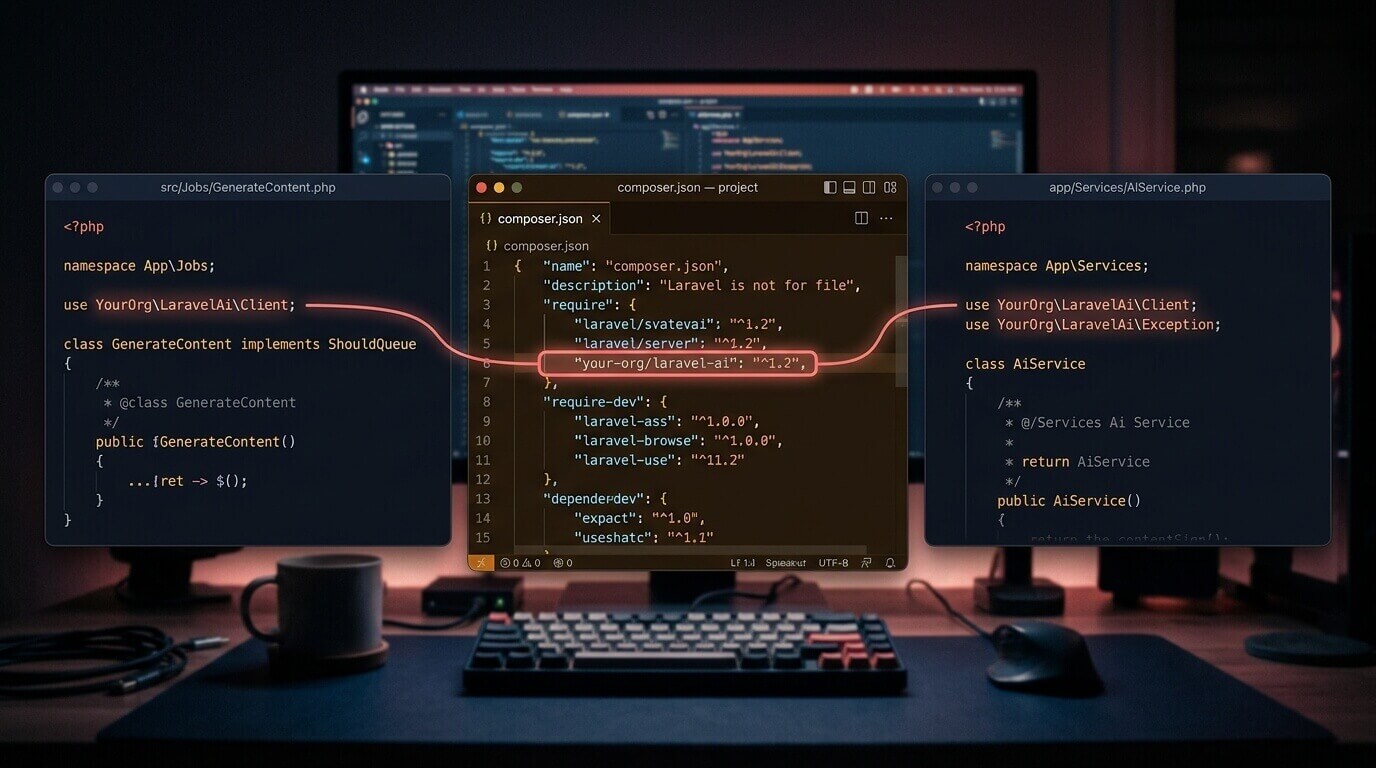
Three apps is when the copy-paste strategy breaks down. Not because the Anthropic client setup is complicated — it isn't — but because the three copies drift. App A's client retries on 529 errors; app B's doesn't. App C still has a model name from three months ago when you were testing. By the time you need to upgrade the SDK, you're hunting through three codebases and hoping you got them all.
Packaging it once takes about an afternoon. After that, it's composer require and done.
This tutorial builds a minimal but production-capable Laravel package that wraps AI features — summarization, classification, extraction — into a single installable dependency. The package handles client configuration, publishes sensible defaults, and stays completely out of your application's business logic.
When Does a Package Actually Help?
Not all shared code needs a package. One app, or two tightly coupled services sharing a monorepo, doesn't need this overhead. A package earns its setup cost when:
- Three or more separate apps need the same AI integration
- Different developers are independently solving the same problem and producing incompatible versions
- You want to version the AI configuration — model names, token limits, prompt templates — separately from any individual app
What the package won't contain: business logic, domain models, or application-specific prompts. Those belong in each host app. The package is infrastructure.
Setting Up the Package Skeleton
Create the package directory alongside your Laravel apps, not nested inside one:
mkdir laravel-ai && cd laravel-ai
The structure you're building:
laravel-ai/
├── src/
│   ├── AiManager.php
│   ├── AiServiceProvider.php
│   └── Facades/
│       └── Ai.php
├── config/
│   └── ai.php
└── composer.json
No tests directory yet — add that before you publish. Focus on making it work in a real app first.
The composer.json:
{
    "name": "your-org/laravel-ai",
    "description": "Reusable AI features for Laravel applications",
    "type": "library",
    "require": {
        "php": "^8.2",
        "laravel/framework": "^11.0",
        "anthropic/anthropic-sdk-php": "^0.9"
    },
    "autoload": {
        "psr-4": {
            "YourOrg\\LaravelAi\\": "src/"
        }
    },
    "extra": {
        "laravel": {
            "providers": [
                "YourOrg\\LaravelAi\\AiServiceProvider"
            ],
            "aliases": {
                "Ai": "YourOrg\\LaravelAi\\Facades\\Ai"
            }
        }
    }
}
The extra.laravel block triggers Laravel's package auto-discovery. Host apps don't need to touch config/app.php.
The Config File
// config/ai.php
return [
    'default' => 'anthropic',

    'drivers' => [
        'anthropic' => [
            'api_key'    => env('ANTHROPIC_API_KEY'),
            'model'      => env('AI_MODEL', 'claude-sonnet-4-6'),
            'max_tokens' => (int) env('AI_MAX_TOKENS', 1024),
        ],
    ],
];
Host apps control the model and token cap through environment variables. They never touch package code to change behavior. That's the point.
The Core Manager
AiManager holds the client and exposes feature methods. The private ask() method keeps the raw API call in one place — when you add retry logic or streaming later, you change it once:
<?php

namespace YourOrg\LaravelAi;

use Anthropic\Client;
use Anthropic\Anthropic;

class AiManager
{
    private Client $client;
    private string $model;
    private int $maxTokens;

    public function __construct(array $config)
    {
        $this->client    = Anthropic::client($config['api_key']);
        $this->model     = $config['model'];
        $this->maxTokens = $config['max_tokens'];
    }

    public function summarize(string $text, string $style = 'concise'): string
    {
        $prompt = match ($style) {
            'bullet'   => "Summarize this as 3–5 bullet points:\n\n{$text}",
            'headline' => "Write a one-sentence headline for this:\n\n{$text}",
            default    => "Summarize this in 2–3 sentences:\n\n{$text}",
        };

        return $this->ask($prompt);
    }

    public function classify(string $text, array $categories): string
    {
        $list = implode(', ', $categories);

        return trim($this->ask(
            "Classify this into exactly one of: {$list}.\n"
            . "Reply with only the category name, nothing else.\n\nText: {$text}",
            maxTokens: 30,
        ));
    }

    public function extract(string $text, array $fields): array
    {
        $fieldList = implode(', ', $fields);

        $raw  = $this->ask(
            "Extract these fields from the text and return valid JSON only: {$fieldList}.\n"
            . "Use null for any field not found. No explanation, no markdown fences.\n\nText: {$text}",
        );
        $json = preg_replace('/^```(?:json)?\s*|\s*```$/m', '', trim($raw));

        return json_decode($json, true) ?? [];
    }

    private function ask(string $prompt, int $maxTokens = 0): string
    {
        $response = $this->client->messages()->create([
            'model'      => $this->model,  // or claude-opus-4-8 for complex docs
            'max_tokens' => $maxTokens ?: $this->maxTokens,
            'messages'   => [['role' => 'user', 'content' => $prompt]],
        ]);

        return $response->content[0]->text;
    }
}
Notice classify() sets max_tokens to 30. Classification should be one word. Letting it run to 1024 tokens wastes money and occasionally produces a model that wants to explain its reasoning instead of just answering.
Service Provider and Facade
<?php

namespace YourOrg\LaravelAi;

use Illuminate\Support\ServiceProvider;

class AiServiceProvider extends ServiceProvider
{
    public function register(): void
    {
        $this->mergeConfigFrom(__DIR__ . '/../config/ai.php', 'ai');

        $this->app->singleton(AiManager::class, function () {
            $driver = config('ai.default');
            return new AiManager(config("ai.drivers.{$driver}"));
        });

        $this->app->alias(AiManager::class, 'ai');
    }

    public function boot(): void
    {
        $this->publishes([
            __DIR__ . '/../config/ai.php' => config_path('ai.php'),
        ], 'ai-config');
    }
}
mergeConfigFrom means the package works without publishing anything. The host app only publishes the config if it needs to customize defaults.
The facade:
<?php

namespace YourOrg\LaravelAi\Facades;

use Illuminate\Support\Facades\Facade;

class Ai extends Facade
{
    protected static function getFacadeAccessor(): string
    {
        return 'ai';
    }
}
Ten lines. That's all a facade is.
Local Development Without Packagist
You don't need a registry to test this. Composer's path repository type symlinks a local directory into the host app's vendor folder as if it were installed from Packagist.
In the host app's composer.json:
{
    "repositories": [
        {
            "type": "path",
            "url": "../laravel-ai"
        }
    ],
    "require": {
        "your-org/laravel-ai": "*"
    }
}
Then run:
composer require your-org/laravel-ai
Composer creates a symlink from vendor/your-org/laravel-ai to your local package directory. Changes to the package show up immediately in the host — no composer update between edits.
I'd spend a full week in this mode before even thinking about Packagist. Let a real application tell you what the package is missing before you publish.
Using the Package
Publish the config and set the key:
php artisan vendor:publish --tag=ai-config
ANTHROPIC_API_KEY=sk-ant-...
AI_MODEL=claude-sonnet-4-6
The facade in a controller, job, or command:
use YourOrg\LaravelAi\Facades\Ai;

// Summarize a support thread before routing it
$summary = Ai::summarize($thread->body, style: 'bullet');

// Classify an incoming ticket
$category = Ai::classify($ticket->description, [
    'billing', 'bug', 'feature-request', 'account',
]);

// Pull structured fields from a scanned invoice
$data = Ai::extract($invoice->raw_text, [
    'vendor_name', 'invoice_number', 'total_amount', 'due_date',
]);
Constructor injection works equally well and is easier to mock in tests:
public function __construct(private readonly AiManager $ai) {}

public function handle(SupportTicket $ticket): void
{
    $ticket->update([
        'ai_category' => $this->ai->classify($ticket->body, $this->categories()),
    ]);
}
The facade is convenient for quick integrations. Injection is better when you're writing tests.
What I'd Change
The prompts are hardcoded into AiManager method bodies. That's fine when you're the only consumer. The moment a second team uses the package and disagrees with how the summarize prompt is worded, they're either forking the package or opening a PR on yours. Neither is sustainable. I'd move prompt strings into the config file under a prompts key — one entry per feature — so host apps can override them without touching package code at all.
The extract() method is the one I'm least happy with. Parsing structured data out of plain text is fiddly even with explicit prompting. The approach here works on clean inputs, but Claude occasionally adds explanation prose before the JSON when input is ambiguous, and the regex strip doesn't catch every variant cleanly. A more robust version sends a system prompt that enforces JSON-only output, or uses the SDK's structured output capabilities. I simplified for readability. In a production app processing invoice data, I wouldn't.
There's also no retry logic. A 529 overload error throws an uncaught exception right now. For a shared package used across multiple apps, that's worth handling centrally — exponential backoff in ask(), a configurable retry count in the config. Leaving it out kept the focus on package structure. It's the first thing I'd add before calling this production-ready.
Share